Turn your photo into a cartoon
Pick a style, add a photo, and get Ghibli, Pixar or anime art in about a minute.
Free to try — sign up and get 3 free images, no card needed
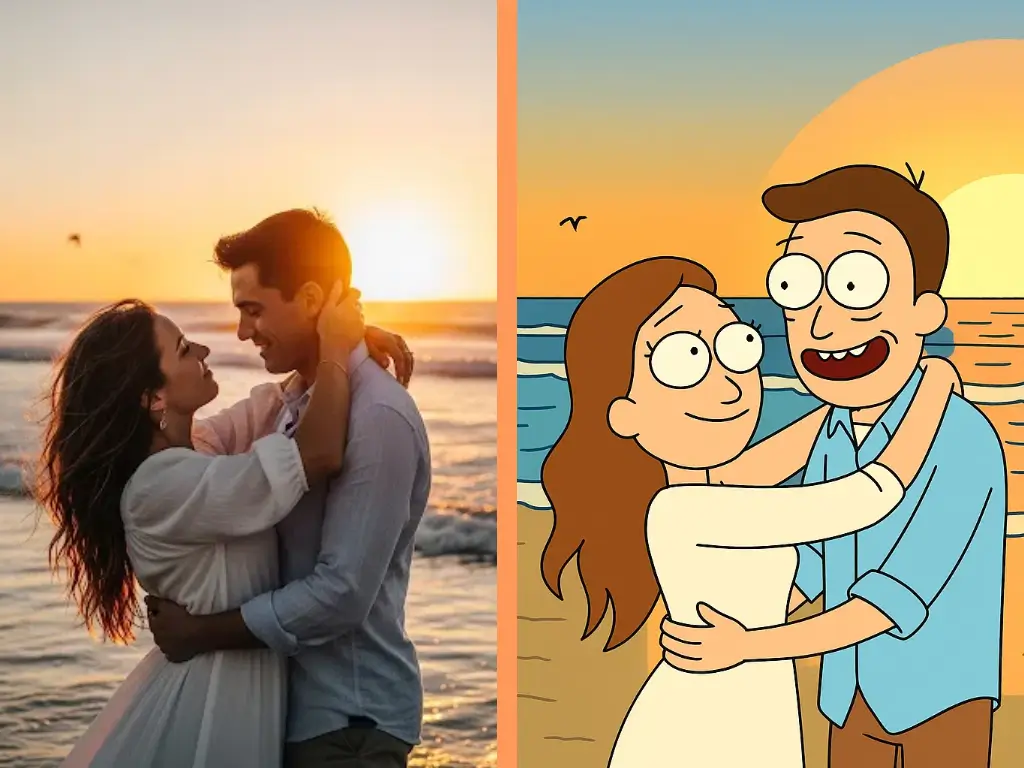
Pick a style
38+ looks, from soft Ghibli watercolour to bold comic ink. Tap one to try it on your photo.
Three steps, about a minute
No editing skills needed.
- 01
Choose a style
Ghibli, Pixar, Disney, anime, comics and more.
- 02
Add your photo
A clear, front-facing photo works best — or start with one of our samples.
- 03
Download your cartoon
Most images are ready in about a minute. Keep it, share it, or try another style.
Why people use PhotoToCartoon
Made for trying things out, with no subscription to cancel.
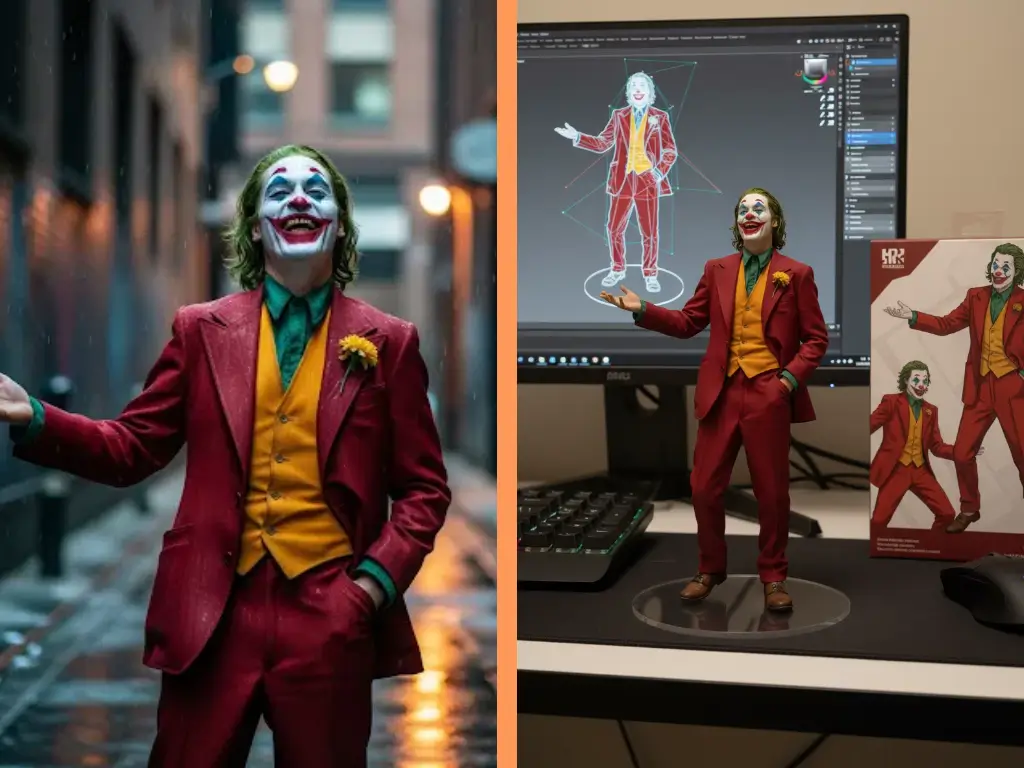
38+ styles in one place
From soft Ghibli watercolour to bold comic ink — switch styles on the same photo in a tap.
Pay once, no subscription
Credit packs from $1.99. Credits never expire.
Free to try
Sign in with Google and get 3 free images to test any style.
Works on your phone
Upload straight from your camera roll — nothing to install.
Frequently Asked Questions
Still stuck? Email support@phototocartoon.ai
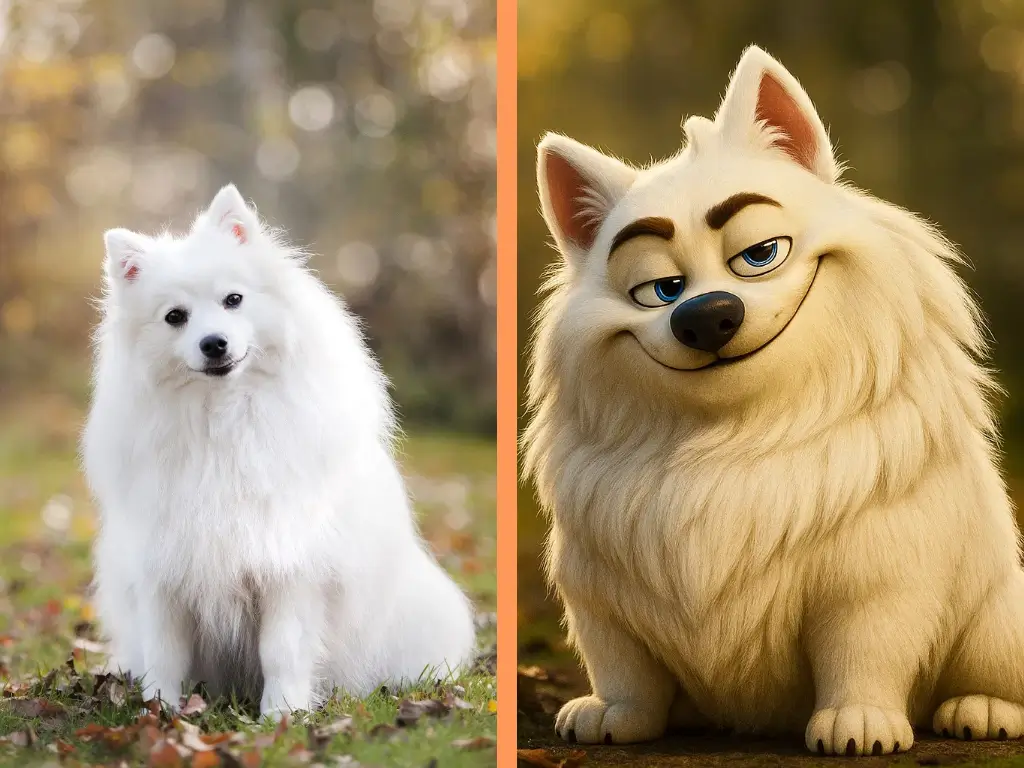
We offer 38+ artistic photo effects including Studio Ghibli, Minecraft, anime styles, oil paintings, watercolors, cel-shading, pixel art, and many more. Each effect uses AI to transform your photo into a unique artistic style.
Our photo effect tool supports JPG, PNG, and WebP formats. Files must be under 24MB. You can upload portrait photos, landscapes, or object images.
Most photo transformations complete in under 30 seconds. The exact time depends on the image size and the selected effect style. You'll see a progress bar during generation.
Yes! Once your photo is transformed, you can download it immediately in high quality. Just sign in with Google — new accounts get free credits to try it out.